Fashion Exhibition Poster Template
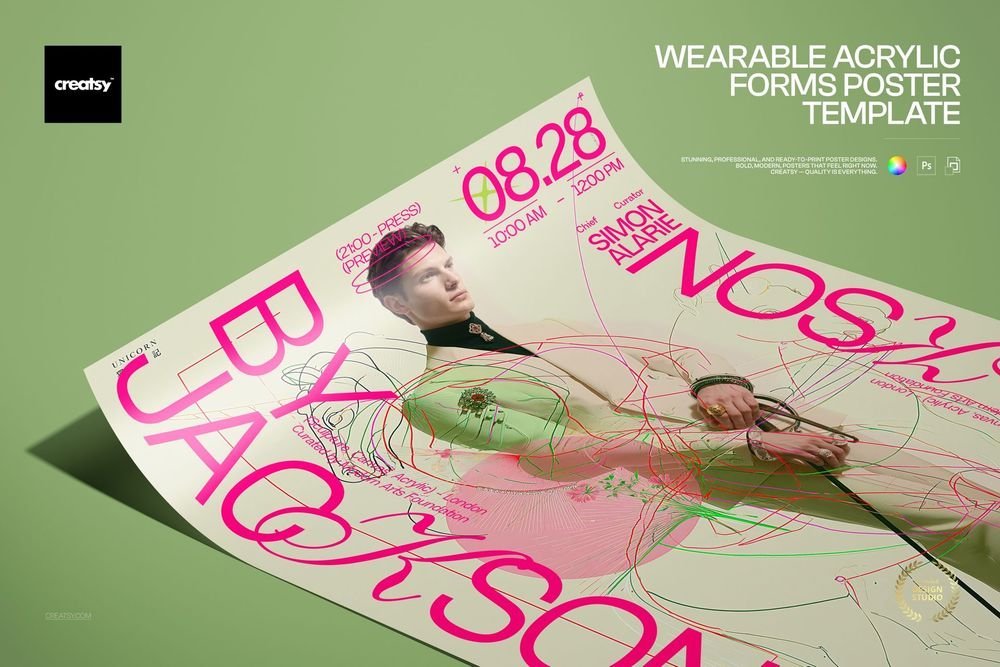
Fashion Exhibition Poster Template
A3 fashion poster layout with bold typography.
What is included
- Layered PSD mockup file with organized layers
- JPG preview of the final scene
- 300 DPI, high-resolution artwork area
- Smart Object editing for your own design
Easy Smart Object editing
Open the PSD in Adobe Photoshop CC2020 or newer, or free in Photopea. Drop your artwork into the Smart Object, save, and the scene updates with the original lighting and shadows.
Perfect for
Product previews, seasonal campaigns, client presentations, portfolios and social posts that need a polished scene without a photo shoot.
3 clicks. That's it.
No tutorial needed. If you can copy-paste, you can use this.
-
1
Open
Double-click the Smart Object inside the PSD in Photoshop or Photopea.
-
2
Paste
Drop in your pattern, print or artwork. Any design, any style.
-
3
Save
Hit save and the mockup wraps your artwork with lighting and shadows.
Built for real workflows
Smart Objects
Edit once and you are done. Your artwork drops into a Smart Object and the mockup updates itself.
Perfectly organized
Named layers and folders you can navigate. Find what you need and get out fast.
Print-ready
High-resolution files built to hold up on screen and in print. Exact size and DPI are above.